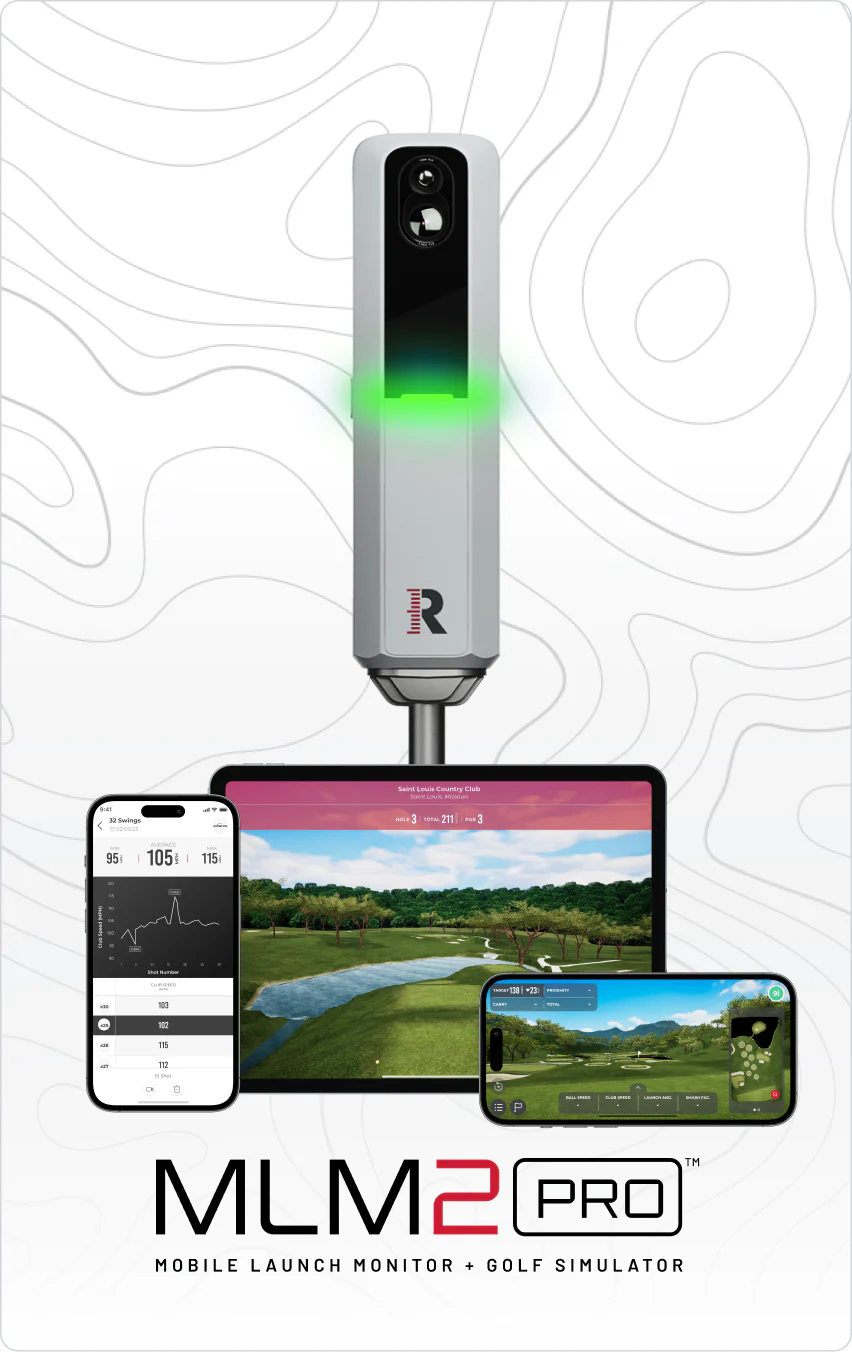
A complete garage golf simulator — launch monitor, impact screen, projector, mat, and net — costs $3,500-$6,000 for a quality setup. The biggest mistakes are skimping on the impact screen and buying a projector with insufficient throw distance. Get those two right and the rest is straightforward. Our top pick: the Garmin Approach R10 (~$490).
Our #1 Pick: ~$490 at Amazon — Check Today's Price ↗ Read the full guide below.
A complete garage golf simulator costs $1,200 to $3,000. Minimum setup: a Garmin R10 launch monitor ($490), a hitting net or screen ($150 to $500), a mat ($100 to $200), and optionally a projector ($300 to $800). Total build time is one afternoon, and it pays for itself versus cart fees within two seasons.
A garage golf simulator is the single best investment a serious weekend golfer can make. Year-round practice, any time of day, without booking a tee time. Building one correctly takes planning — here is the exact sequence, costs, and common mistakes to avoid.
📋
Update Log — last updated Apr 9, 2026 ▼
Apr 9, 2026 Annual freshness review — verified pricing and availability.
Space Requirements — What You Actually Need
Minimum requirements: 10 feet wide, 10 feet tall, 15 feet deep (from ball position to screen). Ideal: 12 feet wide, 10 feet tall, 18 feet deep. Ceiling height is the most critical dimension — 10 feet gives you enough room to complete a driver swing for most golfers. Width matters for off-center shots hitting the side walls. Depth beyond 15 feet mainly improves the projector image quality.
Not sure your space works? The
launch monitor room checker tells you which units fit your ceiling height and room depth.
Want the whole bill of materials? The
golf simulator cost calculator builds a costed parts list at three budget tiers.
Throw distance is the part people get wrong — the
projector distance calculator tells you where the unit has to sit for your screen size.
The Four Core Components
Every garage simulator has the same four building blocks regardless of budget. The launch monitor captures your data, the screen shows your shot, the projector displays the image, and the mat protects your body. Here is what to buy at each price point and where cutting corners costs you.
- Launch monitor ($500–$3,000) — The data engine. This is where quality matters most. SkyTrak+ (~$1,195) is the gold standard for home use. Garmin Approach R10 (~$490) is a budget entry point. Do not buy the cheapest option — inaccurate data destroys practice value.
- Impact screen ($400–$1,200) — Do not cheap out. A thin screen warps, breaks, and gives a poor image. Carl's Place or Shop Indoor Golf screens rated for driver impact are the standard. Budget $600+ for a quality 10x8 foot screen.
- Projector ($300–$800) — Must be a short-throw projector to work in a 15-foot-deep space. The Optoma ZW350ST is the current standard pick at 0.521. Key spec: throw ratio under 0.6.
- Hitting mat ($200–$500) — A mat with a true fairway and rough sections matters for shot feedback. Fiberbuilt, TrueStrike, or Country Club Elite are the quality names. A carpet off-cut will damage your clubs.
Launch Monitor for Home Simulators
For a dedicated home setup, SkyTrak+ is the standard recommendation at $1,195. Its photometric camera technology is optimized for indoor distances. The software ecosystem (WGT, E6, TGC) integrates with courses and games. For budget-conscious builders, the Garmin Approach R10 ($490) works with E6 Connect and delivers reasonable accuracy for all clubs except very short wedges indoors.
Complete Budget Breakdown
Here is what a complete garage simulator costs at three budget tiers. These prices include every component you need — launch monitor, screen, projector, mat, and frame. Software subscriptions are listed separately since they are ongoing costs.
- Budget setup ($2,500–$3,500) — Garmin R10 ($490) + basic impact screen ($400) + short-throw projector ($350) + mid-range mat ($300) + frame ($300) = ~$2,000–$2,500 in components. Add software ($199/yr for E6 Connect).
- Mid-range setup ($3,000–$3,500) — SkyTrak+ ($1,195) + quality impact screen ($700) + short-throw projector ($500) + premium mat ($450) + frame and baffles ($400) = ~$3,250.
- Premium setup ($7,000+) — SkyTrak+ or Flightscope Mevo+ + custom enclosure + premium screen + laser projector + artificial turf floor. This is a proper room build, not a simple garage conversion.
Minimum Garage Dimensions
The absolute minimum for a driver swing is 10 feet wide, 10 feet deep (ball to screen), and 9 feet of ceiling height. Most two-car garages are 20 by 20 with 8 to 9 foot ceilings — this works against the back wall with one car outside. Measure ceiling height first because it is the hardest constraint to fix. Under 8.5 feet, you can still hit irons and wedges but a full driver swing may hit the ceiling.
The $1,200 Starter Build
Exact components for the cheapest functional simulator: Garmin R10 launch monitor ($490), Spornia SPG-7 net ($150), roll-up 3x5 hitting mat ($99), tablet mount ($25). Total: $873. Add a used short-throw projector from Facebook Marketplace ($200 to $300) and a white bedsheet as a temporary screen for a projectable setup under $1,300.
The 8-Foot Setup: What Actually Fits
In an 8-foot deep room, position the hitting mat 2 feet from the back wall and the net or screen 6 feet in front of the ball. The Garmin R10 sits behind you, so it does not consume any of that depth. The Spornia SPG-7 net folds to 4 feet wide when stored. A foam ball option lets you practice full swings in even smaller spaces — the Birdie Ball system uses flat foam balls that only fly 20 percent of real distance but give accurate feedback on strike quality and direction.
Noise Control for Apartment Simulators
Ball impact into a net or screen generates 70 to 85 decibels — comparable to a loud conversation or vacuum cleaner. For apartment use, add a heavy blanket behind the net to absorb impact noise, use foam practice balls after 9 PM, and place the hitting mat on a thick rubber horse stall mat ($40 at a farm supply store) to prevent vibration from transmitting through the floor. The quietest setup is a Spornia net with the included ball-return sock, which cushions impact and reduces noise by about 10 decibels compared to a bare impact screen.
The Components We Actually Use
The specific gear behind the build above — every component here is the one from our own setup or testing.
Impact screen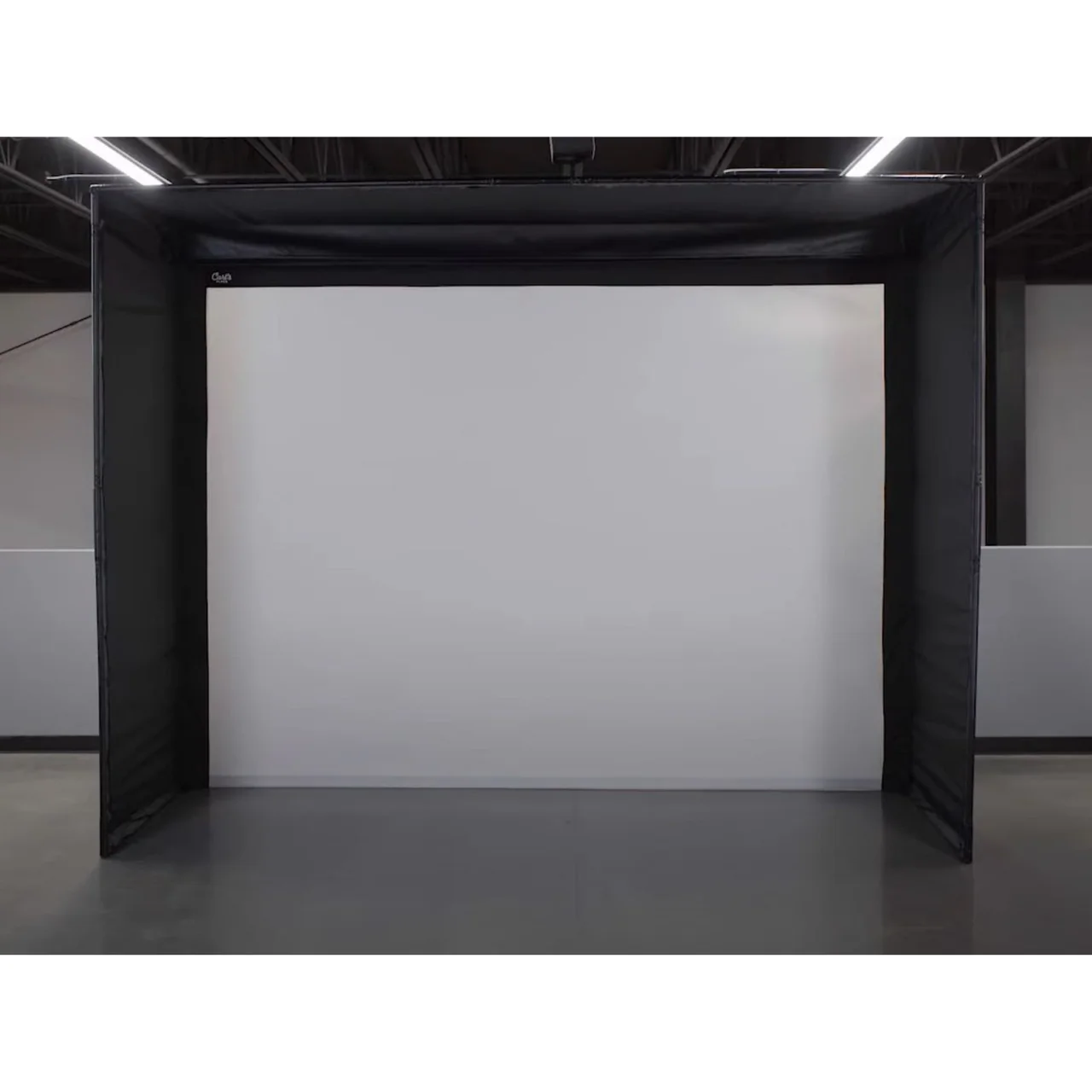
Carls Place Impact Screen
~$216
Projector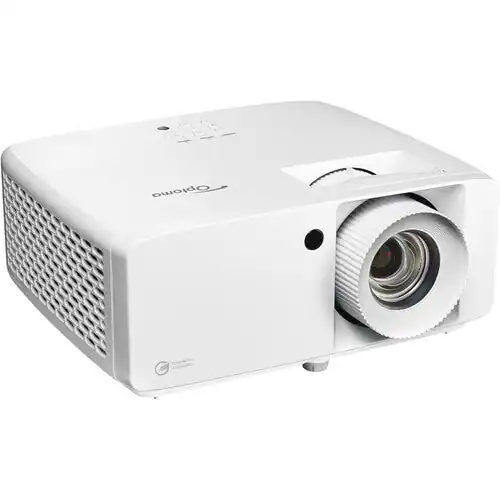
Optoma ZW350ST Projector
~$823
Hitting mat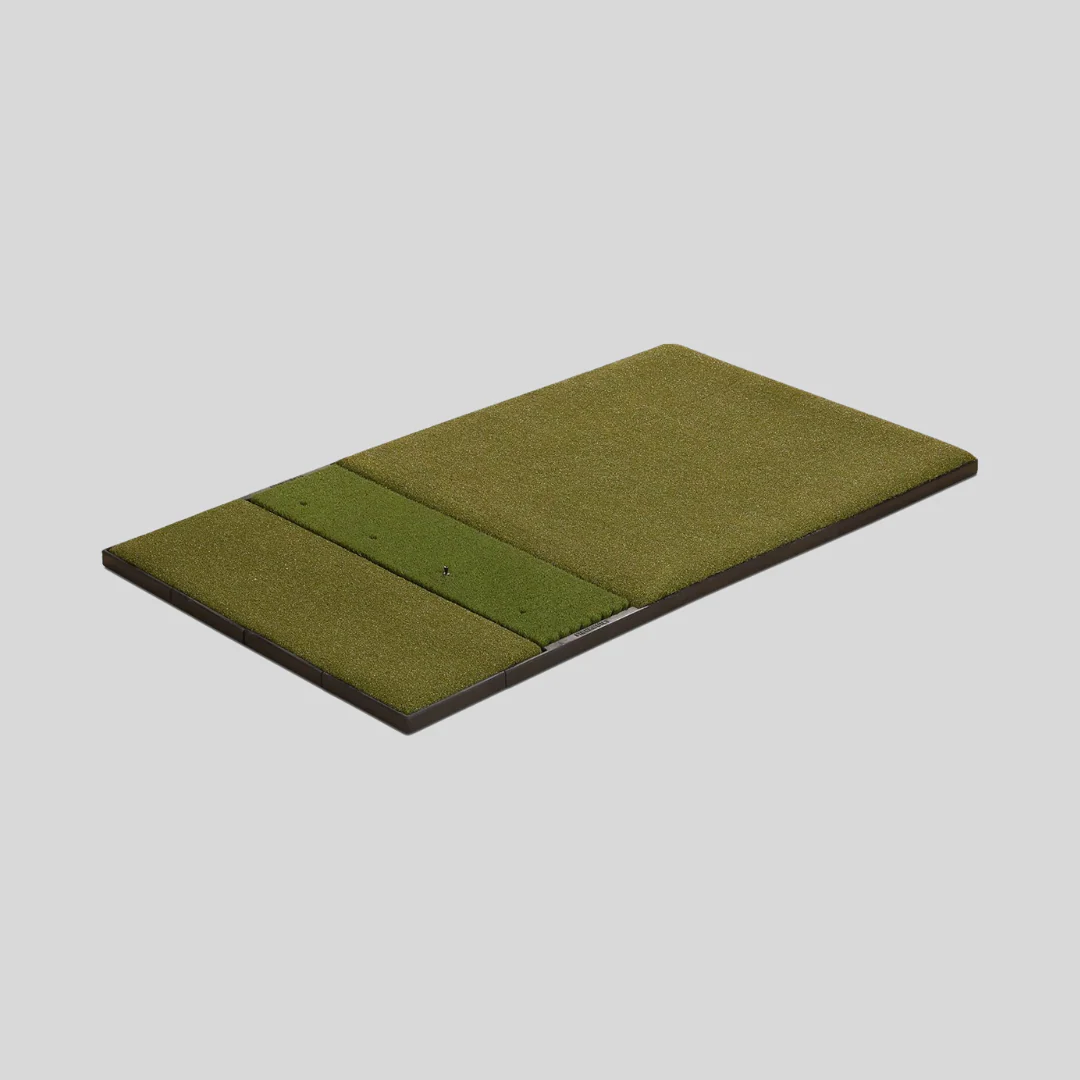
Fiberbuilt Studio Mat
~$499
Prices checked 2026-10-07 · Affiliate links — we earn a small commission at no extra cost to you.
🏌️ Gear That Helps With This
🎯 Our Recommended Gear
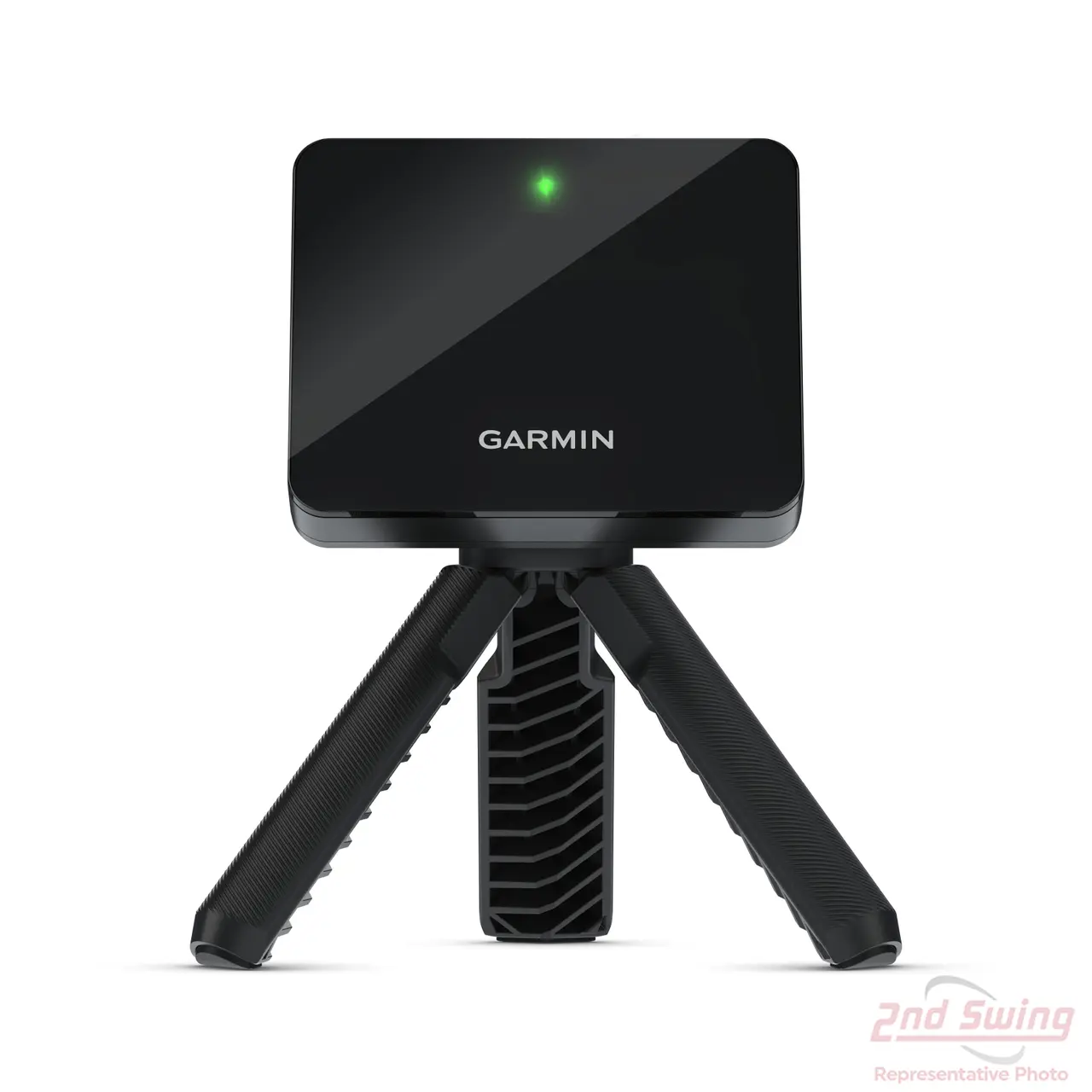
Garmin Approach R10
~$490 — the product we use and recommend for this topic.
🎯 Gear that helps with this
Every recommendation is independently purchased and tested over 40+ rounds.
Frequently Asked Questions
What is the minimum ceiling height for a golf simulator?
The minimum ceiling height for most golfers to swing a driver comfortably is 9 feet. 10 feet is recommended for full, unrestricted swings. Taller golfers (6'2"+) should aim for 10.5 feet minimum. At 9 feet, some golfers need to choke down on the driver to avoid hitting the ceiling on follow-through.
Can I use a regular projector for a golf simulator?
A standard long-throw projector will not work in a typical garage simulator — the room is not deep enough. You need a short-throw projector with a throw ratio under 0.7. The Optoma ZW350ST is the current pick at about $823. Be aware the sub-$600 short-throws that used to fill this slot have all been discontinued — laser replacements start around $900.
⚖️ Still deciding between two?
These head-to-head comparisons test the exact products from this guide side by side.
🏢 More for Cubicle Golfers
You work 9-to-5. Golf is your weekend reset. These guides are built for your schedule.
Last updated: 2026-10-07