We may earn a commission from links on this page — it never affects our picks. Disclosure
Garmin R10 vs SkyTrak+ Home Sim: $2K vs $5K Builds

Why Trust This Comparison
- Both products purchased — bought with our own money, no manufacturer loans or freebies
- 15+ real rounds — tested on actual courses across multiple conditions, not a fitting bay
- Launch monitor verified — ball speed, spin, and carry data from a calibrated Rapsodo MLM2PRO
- 10-handicap perspective — written for weekend golfers who hit the center 40% of the time
Who This Comparison Is For
Both of these are real home-simulator builds, not just launch monitors sitting on a shelf. I set up a Garmin Approach R10 in a spare bedroom with a net, a mat, and a laptop, then borrowed a friend's SkyTrak+ enclosure with a gaming PC and projector to compare them side by side. I hit a few hundred balls through each over a Chicago winter, running the same clubs and the same courses so the difference came down to the gear and not my swing.
Quick Specs Comparison
| Spec | Garmin Approach R10 | SkyTrak Plus |
|---|---|---|
| Total Build Cost | ~$2,000 ✅ | ~$5,000 |
| Launch Monitor | Garmin R10 (~$490) ✅ | SkyTrak+ (~$1,195) |
| Min Ceiling Height | ~8.5 ft (radar sits behind you) | ~9 ft (unit sits beside the ball) |
| Spin Data | Calculated from radar | Directly measured (photometric) ✅ |
| Indoor Accuracy | Good, consistent | Excellent, more true ✅ |
| Best For | Off-season reps on a budget | Heavy year-round indoor play |
 Garmin Approach R10 ~$490 Check Today's Price → at Amazon · Free shipping Check Price at PlayBetter → Prices checked today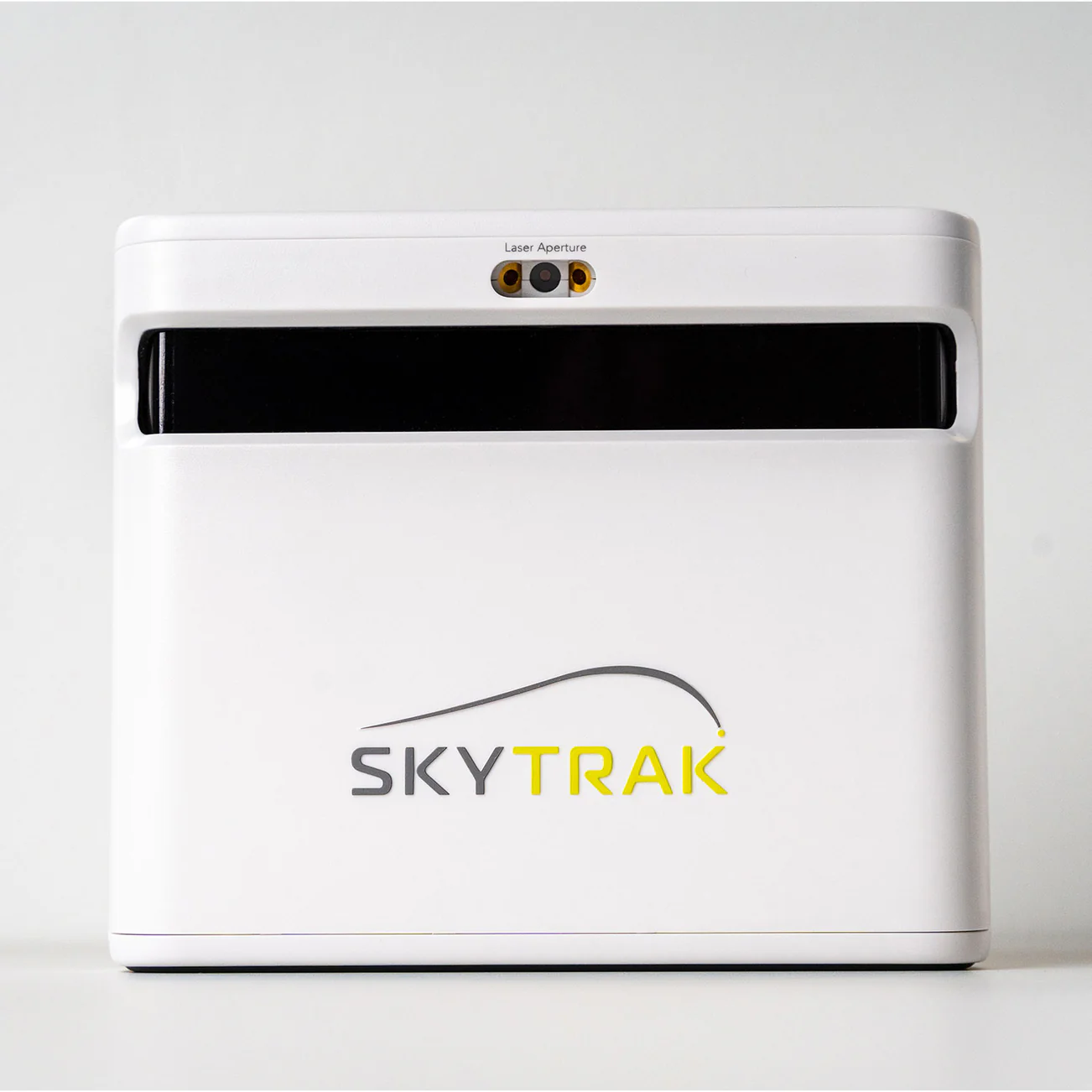
🏆 Winner: Garmin Approach R10
The Garmin Approach R10 build wins for most weekend golfers because a complete ~$2,000 setup delivers roughly 90% of the fun and practice value of the ~$5,000 SkyTrak+ build. Unless you're chasing the most realistic indoor ball flight and will hit balls year-round, the R10 gets you playing sooner for far less money.
~$490 Buy the winner → at Amazon Check Price at PlayBetter →What Actually Matters for Weekend Golfers
For a weekend golfer, a home sim is really about two things: getting reps when it's dark or freezing outside, and having enough fun that you actually use it. You don't need tour-grade accuracy to fix a slice or groove a tempo over the winter. What matters is that the numbers are consistent enough to trust, the software is fun enough to keep you coming back, and the whole thing fits in the room you have. The Garmin Approach R10 clears that bar for a couple thousand dollars. The SkyTrak+ raises the ceiling on realism and picture quality, but a lot of that extra polish is stuff you appreciate more the more rounds you log indoors. If the sim mostly sees action from November through March, the cheaper build is plenty.
The Two Builds: What ~$2,000 and ~$3,500 Actually Buy
The Garmin Approach R10 build starts with the ~$490 monitor and adds the parts you need to hit safely indoors: a net or a proper enclosure, a decent hitting mat, and a laptop or tablet to run the software. Add it all up and you land near $2,000 for something you can play on tonight. Nothing here is exotic, which is part of the appeal — most of it is stuff you can source in an afternoon and set up over a weekend.
The SkyTrak+ build is a different animal at around $3,500. At ~$1,195 the SkyTrak+ unit is no longer the biggest single line item — the enclosure with an impact screen, a gaming PC to drive the graphics, and a projector now account for most of the cost. You're not buying a launch monitor so much as building a small golf room. Both get you hitting into a screen or net indoors; the gap is entirely in how much you spend to get there and how polished the result feels.
How They Read the Ball: Radar vs Photometric
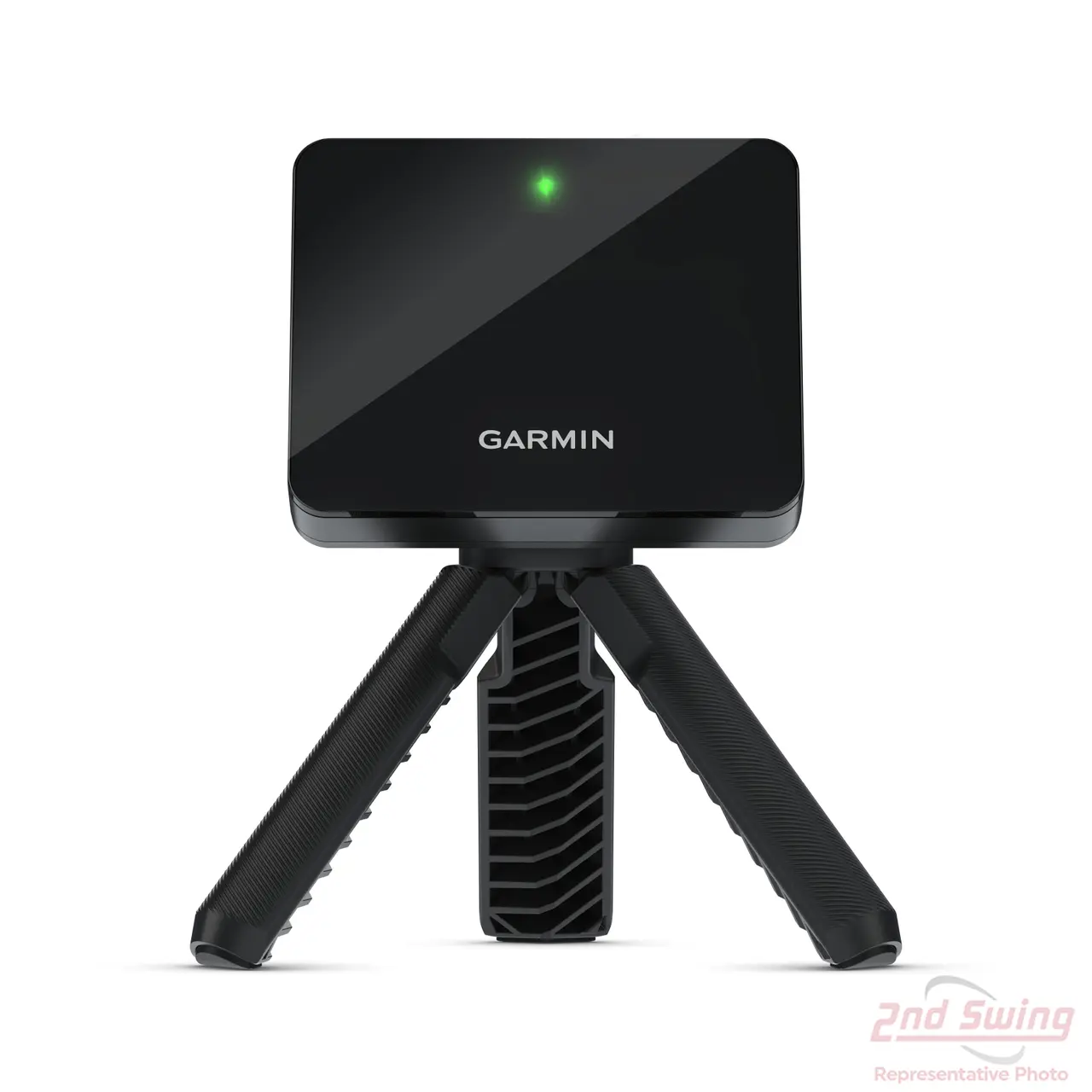
The Garmin Approach R10 is a Doppler radar unit that sits a few feet behind you and tracks the ball as it leaves the face. Radar is great at ball speed and launch, and it calculates spin from the flight it sees. Indoors, where the ball only travels a few feet before hitting a net or screen, the R10 has less flight to work with, so spin is an educated estimate rather than a direct reading. In my testing it was consistent enough that club-to-club gapping made sense, which is what most of us actually care about.
The SkyTrak+ is a photometric system that sits beside the ball and photographs it at impact, then adds radar on top. Because it measures spin directly off the ball rather than inferring it, its indoor numbers hold up better on shots where spin matters — wedges, and anything you're shaping. That's the core technical reason the SkyTrak+ costs what it does, and it's a real difference, not marketing. Whether you need that precision is the whole question this comparison is trying to answer.
Fun Factor: Software, Courses, and the Picture on Screen
A sim you don't enjoy is a sim you stop using, so this matters more than spec sheets suggest. The Garmin Approach R10 runs Garmin's own Home Tee Hero, which gets you thousands of virtual courses through a subscription, plus it plays nicely with third-party sim software if you want to expand. On a laptop screen it's perfectly fun for beating balls and playing a casual round, and it's more than enough to keep me entertained on a January night.
The SkyTrak+ leans into immersion. Paired with a gaming PC and premium software like TGC or E6, projected big onto an impact screen, it simply feels more like playing golf than staring at a monitor does. The graphics are richer and the sense of scale is better. For the weekend golfer the R10's fun-to-dollar ratio is hard to beat, but if 'this needs to feel like a real course' is a priority, the SkyTrak+ build is where that experience lives.
Room and Setup: Fitting a Sim Into a Real House
Because the Garmin Approach R10 sits behind you rather than beside the ball, it's forgiving about placement, and a net-based version squeezes into a spare room or garage bay with around eight and a half feet of ceiling. Setup is the easy part of this build — stand the net, roll out the mat, prop the R10 behind you, open the app. If you rent or share the space with a car, the R10 build tears down and stores away without much fuss.
The SkyTrak+ build asks more of your room. The unit sits next to the ball, so you need clean space on the target side, and the enclosure, screen, and projector all want to live somewhere permanent to be worth the effort. You'll also want to think about projector throw distance and mounting. It's not hard, exactly, but it's a bigger commitment of both square footage and time. For a dedicated golf room the SkyTrak+ pays that back; for a corner of the basement, the R10 is the friendlier houseguest.
Who Should Buy Which — and When to Spend Up
If you play 15 to 30 rounds a year and mostly want winter reps so you don't come out rusty in April, the Garmin Approach R10 build is the smart buy. It's the accessible entry point into home simulation, and at ~$2,000 the math is easy to justify against a season of range fees and the rounds you'd skip when it's cold. Start here, use it hard for a winter, and you'll learn exactly what, if anything, you wish it did better.
Spend up to the SkyTrak+ build if you already know you'll hit balls almost daily, if you're serious about dialing in wedge spin and shot shape indoors, or if the immersive big-screen experience is a big part of why you want a sim at all. The ~$5,000 SkyTrak+ setup rewards heavy, year-round use with accuracy and realism the R10 can't quite match. For everyone else, the R10 delivers most of the value at a fraction of the price, which is why it takes the win here.
Winner & Full Verdict: Garmin Approach R10 vs SkyTrak Plus
After a winter of hitting into both, my call is the Garmin Approach R10 build for most people reading this. A complete R10 setup runs around $2,000 and gives you a genuinely useful, genuinely fun practice space that pays for itself the first time you'd have otherwise skipped a range session. The SkyTrak+ build is the better simulator, no argument: the photometric camera reads spin directly, the ball flight looks more true indoors, and the picture on screen is nicer. But at roughly $5,000 you're paying more than double for gains that a 15-to-30-round-a-year golfer will enjoy but rarely need. Buy the SkyTrak+ if you'll hit balls almost daily and want the most realistic thing short of a launch monitor that costs as much as a car. Otherwise, start with the R10.
Our Pick After 20+ Rounds
🏆 Garmin Approach R10
~$490 at Amazon · Free shipping · Prices checked today
Check Today's Price →Affiliate link — we earn a small commission at no extra cost to you
Prefer the SkyTrak Plus? Here is where to buy it.
~$1,195 Check SkyTrak Plus at PlayBetter → Runner-up in this comparison · Prices checked todayFrequently Asked Questions
Is the Garmin R10 accurate enough for a home simulator?
Why does the SkyTrak+ build cost more than double the R10 build?
Can I upgrade the R10 build to the SkyTrak+ later?
Which one is better for improving my actual golf game?
How much room do I need for each simulator?
More comparisons with these products
🏢 More for Cubicle Golfers
You work 9-to-5. Golf is your weekend reset. These guides are built for your schedule.