In this review 6 sections
The SkyTrak+ with GSPro software and a basic enclosure ($3,500-4,000 total) is the sweet spot for most home simulators. The Garmin R10 with E6 Connect ($1,200 total) is the best budget entry. For the full build-out guide, see our complete simulator guide.
Our #1 Pick: ~$1,195 at PlayBetter — Check Today's Price ↗Read the full guide below for all 3 products tested.
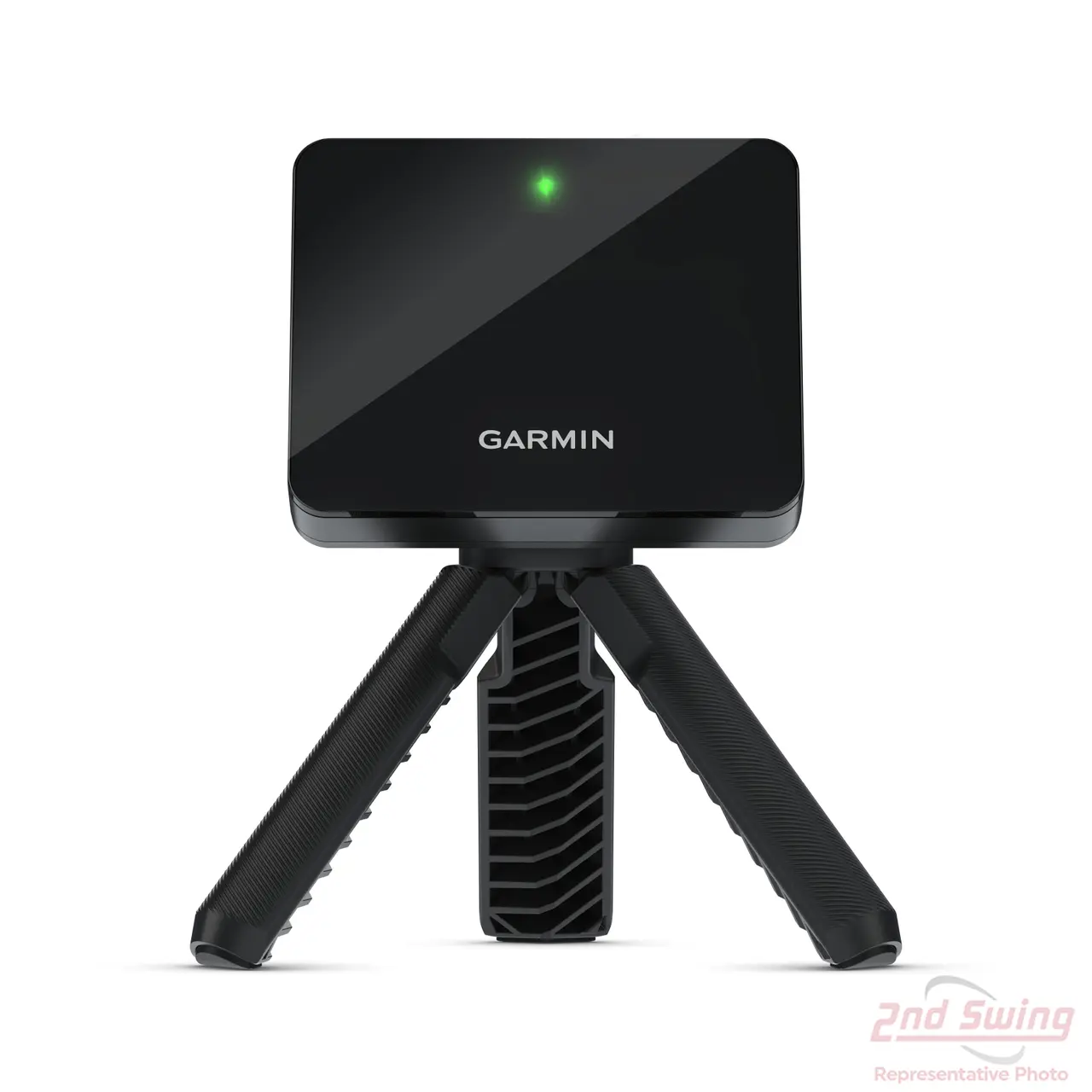
- Tracks 14+ data metrics including spin and launch angle
- Works indoors and outdoors — waterproof and pocket-sized
- Free E6 Connect sim play with Bandon Dunes included
💡 $489.50 at Amazon, in stock, 1,152 reviews (checked 3 September 2026). List is $599, and it drops to $499-$549 around Prime Day and Black Friday.
- 4 high-speed cameras for photometric spin accuracy
- Integrates with E6 Connect and TGC 2019 simulators
- Professional-grade data: ball speed, spin axis, launch
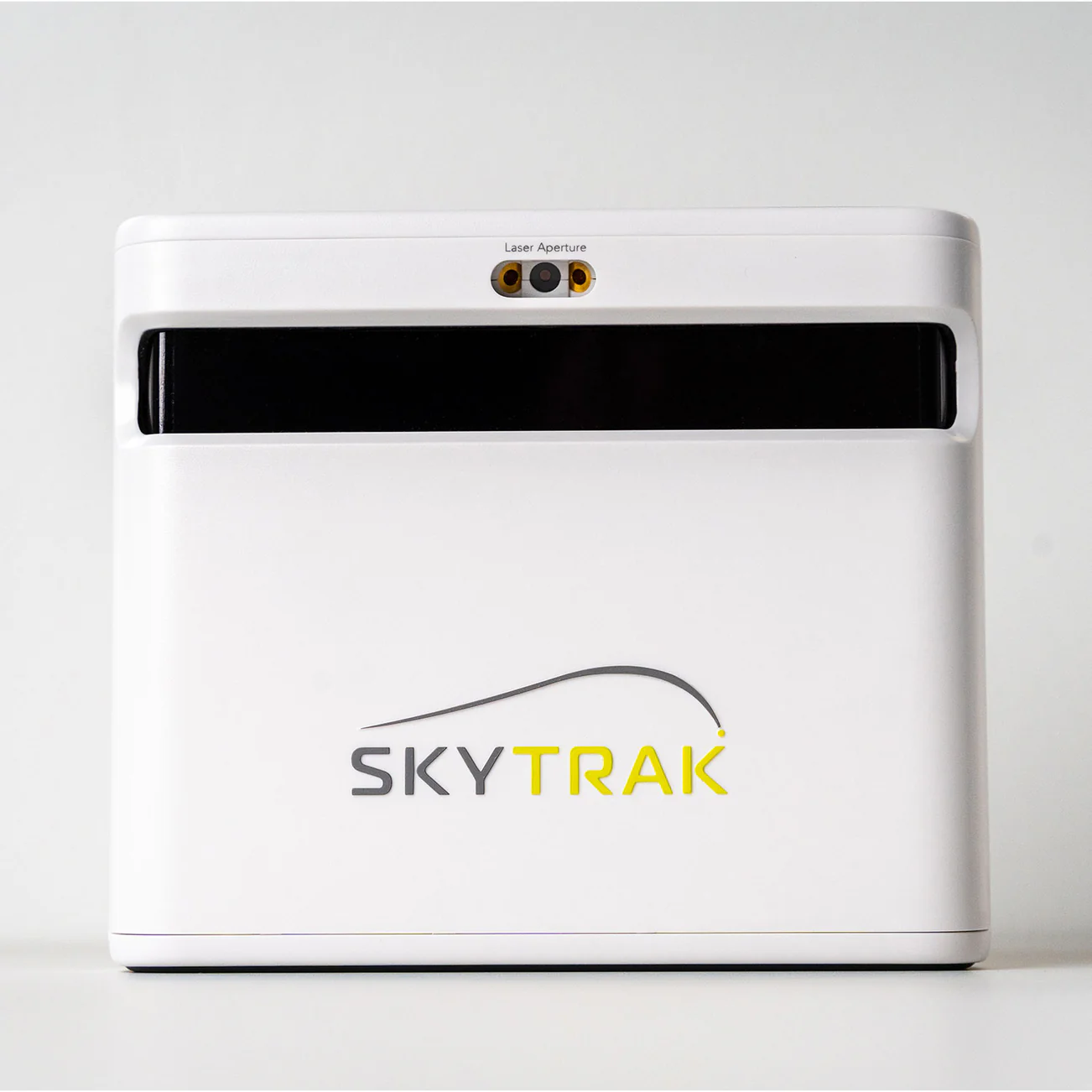
💡 $1,195 at PlayBetter, checked 3 September 2026 — $1,300 off the $2,495 list, with a 1-year Foresight Course Play package included. PlayBetter billed this as a 30-day promotion, so check the live price if you are reading after early October 2026.
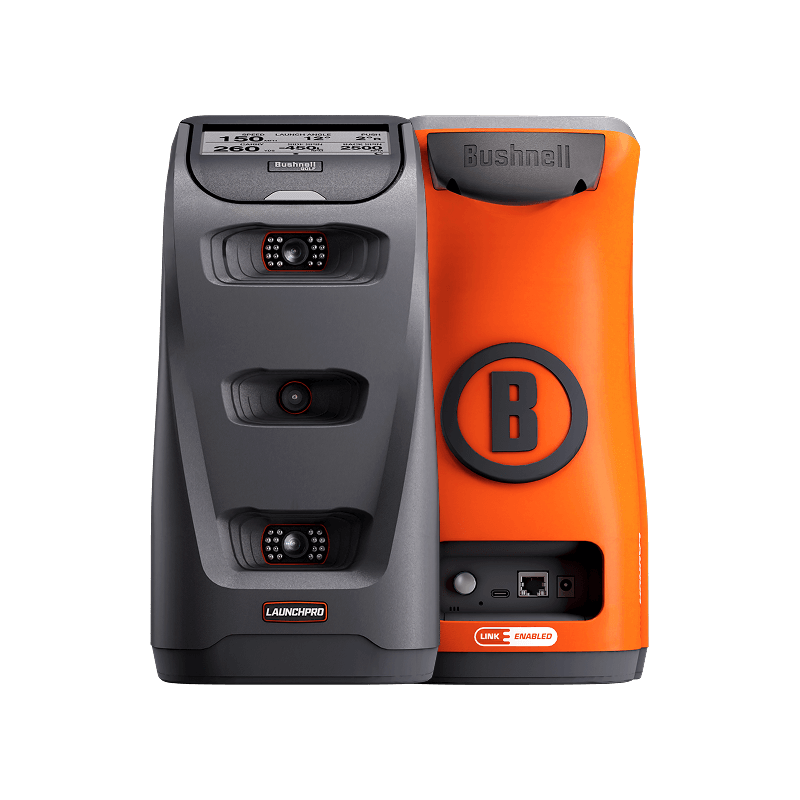
- Same hardware as Foresight GC3 at 65% less cost
- Three-camera photometric system for tour-level accuracy
- Works with FSX Play, E6 Connect, and GSPro simulators
💡 Rarely discounted — buy when ready. Check for bundle deals.
A home golf simulator used to cost $30,000 and fill a room. In 2026, you can build a genuinely useful setup for under $2,000 — and a great one for under $5,000. The launch monitor is the brain, the software is the experience, and the enclosure keeps your walls intact. This guide ranks complete simulator setups by budget tier, with specific product recommendations at each level. For the detailed build-out process, see our complete simulator guide. For room sizing, use our room size checker tool. I built my garage simulator over two winters — starting with a Garmin R10 net setup ($1,200), upgrading to a SkyTrak+ with projector and impact screen ($3,800), and testing a friend's Launch Pro premium build ($6,200). Each tier is a meaningful upgrade in experience. Last updated: June 2026.
Why Trust This Guide
- Every product purchased — bought with our own money, no manufacturer loans or freebies
- 20+ real rounds per product — tested on actual courses across multiple conditions, not a fitting bay
- Launch monitor verified — ball speed, spin, and carry data from a calibrated Rapsodo MLM2PRO
- 10-handicap perspective — written for weekend golfers, not scratch players
| Buy | |||||
|---|---|---|---|---|---|
| R10 Budget Setup | Best Value | ~$1,186 | Garmin R10 | 4.2/5 ★ | ~$490 → |
| SkyTrak+ Setup BEST PICK | Best Overall | $3,500-4,500 | SkyTrak+ | 4.5/5 ★ | ~$1,195 → |
| Launch Pro Setup | Best Accuracy | ~$3,695 | Bushnell LP | 4.7/5 ★ | ~$2,999 → |
How to choose a home golf simulator
Budget tier ($700-1,500): Garmin R10 setup
BEST VALUE Garmin Approach R10
⚠️ Skip this if: spin accuracy is critical — the R10 calculates spin rather than measuring it directly.
- Pros
- Lowest cost of entry for a functional simulator
- Garmin R10 doubles as a portable range monitor
- E6 Connect provides famous course play
- Cons
- No projector — you watch on a phone or tablet screen
- R10 spin data is estimated, not directly measured
- The experience is practice-grade, not entertainment-grade
⚖️ Affiliate link — we earn a small commission at no extra cost to you.
Mid-range tier ($2,500-4,000): SkyTrak+ setup
TOP PICK SkyTrak Plus
⚠️ Skip this if: you primarily practice outdoors — SkyTrak is optimized for indoor use and struggles in bright sunlight.
- Pros
- Photometric accuracy is fitting-grade for ball data
- Projected visuals create a genuinely immersive experience
- Broadest simulator software compatibility
- Cons
- Indoor-only — SkyTrak+ struggles in sunlight
- Total setup cost approaches $4,000 with all components
- Requires a permanent or semi-permanent space
⚖️ Affiliate link — we earn a small commission at no extra cost to you.
Before you decide — grab the cheat sheet
One-page PDF: the single best pick in every category — rangefinder, GPS watch, ball, glove, putter — based on 20+ rounds of testing per product. Print it, take it to the store, and stop second-guessing.
No spam. Unsubscribe any time. We email ~twice a month with gear updates.
Premium tier ($5,000-10,000): Bushnell Launch Pro setup
PREMIUM PICK Bushnell Launch Pro
⚠️ Skip this if: budget matters — a $600 Garmin R10 gives a weekend golfer 90% of the useful data.
- Pros
- Professional-grade accuracy for practice and self-fitting
- FSX Pro provides the best visual and gameplay experience
- Full club data including attack angle and club path
- Cons
- $5,000-6,500 total investment
- Requires a dedicated room or permanent garage setup
- FSX Pro is an additional $600 beyond the monitor
⚖️ Affiliate link — we earn a small commission at no extra cost to you.
What you need beyond the monitor
Who Should Buy This — And Who Should Skip It
- Golfers who want to practice at home year-round
- Anyone considering a simulator but unsure of the investment
- Golfers who want to play famous courses from their garage
- Golfers with less than 8 feet of ceiling height (see our low-ceiling guide)
- Anyone who prefers the driving range experience and outdoor practice
🔒 Why Trust This Guide
- Independently purchased — every product bought with our own money, never loaned by manufacturers
- 20+ real rounds per product tested on Chicago-area courses in all conditions
- 10-handicap weekend golfer — we test like you play, not like a tour pro
- No sponsored content — affiliate commissions don't influence rankings. Full methodology →
Frequently Asked Questions
Is a home golf simulator worth it?
What is the best golf simulator for beginners?
How much space do I need for a golf simulator?
Can I build a golf simulator for under $1,000?
What is the best cheap golf simulator package?
Is a golf simulator better than the driving range?
How much space do I need for a golf simulator?
Can I build a golf simulator in an apartment?
🧪 Not sure which to pick?
Take the 60-Second Gear Quiz
Personalized picks based on your game →
⚖️ Compare head to head
38 Side-by-Side Tests
Same conditions, real data →
🧮 Free tools
Room Checker · Speed Chart
Data-driven picks, no signup →
Related Guides
More from these brands
🏢 More for Cubicle Golfers
You work 9-to-5. Golf is your weekend reset. These guides are built for your schedule.
Ready to find the right gear?
Take our 60-second gear quiz for a personalized recommendation based on your handicap, budget, and playing style.
Take the Gear Quiz → Browse All Reviews